
You don't need a perfect file to get started. A photo of a business card is enough for us to begin the conversation. But the closer your art is to print-ready, the faster your order moves and the better it looks. Here's what print-ready actually means.
File types: vector first, then a high-res PNG
Vector: AI, EPS or PDF
Vector art is built from shapes, not pixels, so it scales to any size and stays sharp. It works best for every method, and it's the first thing we ask for.
One catch: saving as PDF or AI doesn't make art vector. If a JPG was pasted into a design program and exported, there's still a pixel image inside. A quick test is to zoom way in. If the edges stay crisp, it's vector. If they turn into little squares, it isn't.
PNG
No vector? A PNG can often work if it's:
- 300 dpi or better at the size it will print
- about 12 inches wide for a full front or back, or sized to your print
- on a transparent background
The math is simple: 12 inches at 300 dpi is 3,600 pixels wide. A logo saved from a website or a social profile is usually far smaller than that, and stretching it makes it soft and blurry. For DTG in particular, a transparent PNG is our preferred format, because DTG prints at 1200 dpi, so the quality of your file really shows.
JPG
A JPG can't have a transparent background. The white or colored box behind your logo has to be removed, and often it can't be removed cleanly. If a JPG is all you have, send it anyway and we'll tell you whether it needs rebuilding.
Embroidery is the exception
For embroidery, we digitize your logo into a stitch file, so resolution matters much less. Vector is still preferred, but a simple JPG or PNG works fine.
Size: plan it in inches
Print size means the width of the design on the garment. Here are real placements from jobs on our rack:
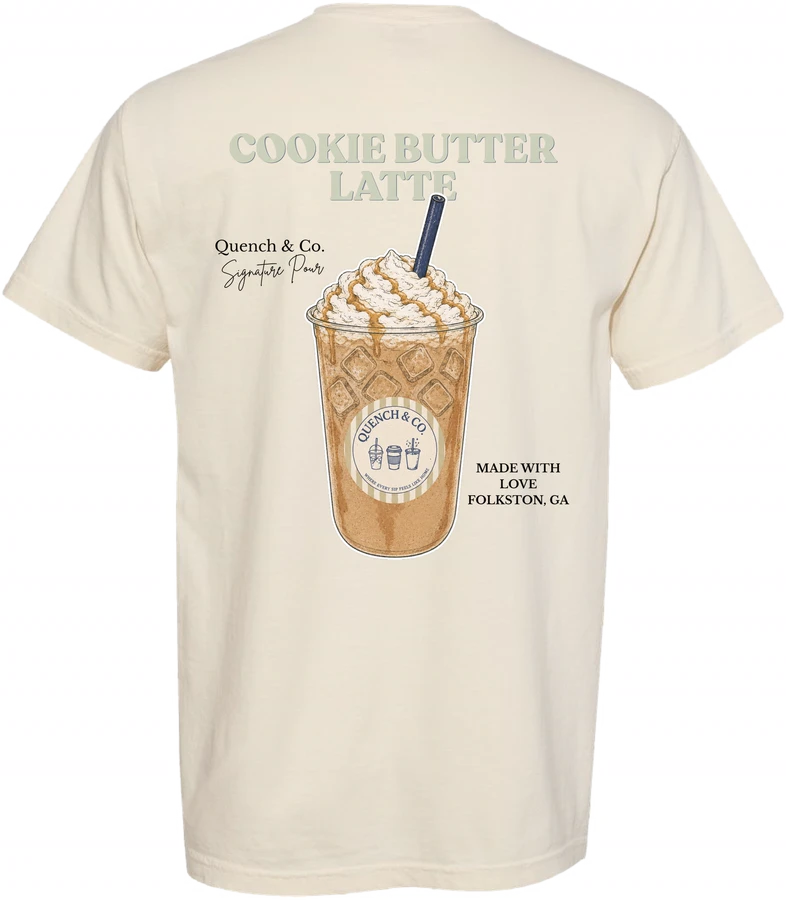
- Left chest: 2.5 to 4.16 inches. Brawlerz Box crop tank at 2.5, Naughty Coffee at 3.5, Quench & Co at 4.16.
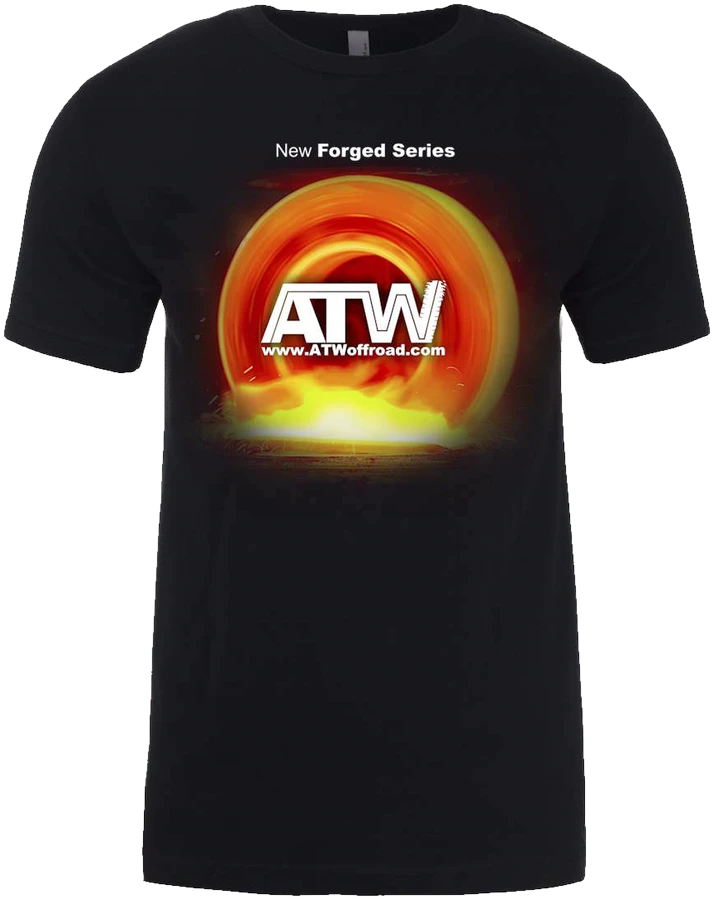
- Full front: 8 to 11 inches. Wlaminca Fitness flamingo tank at 8, ATW Off-Road at 10.5, Condemned Labs at 11.
- Full back: 9 to 14 inches. HER Community baby tee at 9, Sagamore South Beach at 12, Rock Fitness at 14.
- Back neck: 3.75 inches on the Empire Ink tees.
- Sleeve: 3.5 inches on the Prolifters tie-dye hoodie, and a 15-inch print running down the right sleeve of the Suzanne Michael "Design Mode On" long sleeves.
- Hat front: from 2 inches tall on the Beachfront Fitness dad hat to 4.5 inches across the Halo Yachts trucker.
Smaller garments call for smaller prints. A back that's 12 inches on a heavyweight tee might be 8 or 9 on a crop tank or baby tee. Your mockup shows the exact size and placement on your actual garment, so that's the moment to say if something feels too big or too small.
Color: what you see on screen isn't what prints
RGB vs CMYK
Screens make color with light, in RGB. Printers mix ink, in CMYK. Some vivid screen colors, like neon greens and electric blues, sit outside what CMYK can reproduce and will print duller. DTG and DTF both print in CMYK. If your art looks different when you switch it to CMYK in Illustrator or Photoshop, expect that shift on the shirt too.
Pantone and thread colors
For exact brand color, screen printing can match over 2,000 Pantone colors. The Like A Pro bone hoodies, for example, are printed in dark navy PMS 433C, and the Easiest Child yacht long sleeves in Cool Gray 6. If you need a specific Pantone on a DTG or DTF print, tell us and we'll run samples to get as close as possible; precise matching can add some time.
Embroidery uses over 400 thread colors. If a project mixes stitched and printed pieces, pick the thread first, then use the Pantone tied to that thread so everything matches.
Garment color changes your art
A color that pops on a white shirt can disappear on black, and the reverse. On dark garments, DTG and DTF lay down a white layer under the colors so they stay bright. If you're ordering several shirt colors, we may suggest a second version of your art for the darker ones.
Count your colors for screen printing
In screen printing, each ink color is its own screen. A one-color design, like Naughty Coffee's white ink on a faded coal tee, is simple. Art with gradients or photo detail usually belongs on DTG or DTF instead.
Details that cause trouble
- Hairline strokes. Very thin lines are the first to crack on dark shirts. Thicken them a little.
- Huge solid blocks. Very large solid areas can spider-web over time from folding in the wash. If durability matters, tell us and we'll build the print to last.
- Tiny text. Very small lettering can fill in, especially in embroidery. We suggest text at least 0.5 in tall. Anything smaller may need a small edit, like a stroke around the letters, so it stands out on the garment.
- Live fonts. Convert text to outlines, or send the font files, so your lettering doesn't swap to a default font.
- Soft glows and shadows. Semi-transparent effects don't always print the way they look on screen. Flag them so we can check before your mockup.
Using AI-generated art
Designs from ChatGPT, Gemini, Claude and other image generators are welcome. They're rarely print-ready as is: low resolution, baked-in backgrounds and odd lettering are common. We'll take a look and charge for any design time needed to prepare final files. When you pay for design work, the files belong to you.
What happens after you send it
Our design team checks every file. If it isn't usable as supplied, we tell you before anything starts, and we can rebuild it. We won't quietly send a low-quality file to production and hope you don't notice.
Then you get a digital mockup showing your art on the actual garment, at the actual size and placement. Nothing goes into production until you approve it, and changes at that stage cost nothing.
Your print-ready checklist
- Vector art (AI, EPS or PDF) if you have it
- Otherwise a transparent PNG, 300 dpi at print size
- Text outlined, or font files included
- Pantone or thread colors noted, if exact color matters
- Print sizes and placements, in inches
- Garment colors listed, so we can check contrast
Don't have half of this? That's normal. Send what you have and we'll take it from there. Get a quote or chat with us.
Quick answers
What file format is best for printing?
A vector file: AI, EPS or PDF. If you don't have one, a PNG with a transparent background at 300 dpi or better, sized to the print (about 12 inches wide for a full front or back), can often work.
Can you use the logo from my website or a JPG?
Send it and we'll tell you if it works. Web logos are often too small to print large, and a JPG background can't always be removed cleanly. If the file isn't usable, our design team can rebuild it.
Why do printed colors look different from my screen?
Screens mix light (RGB) and printers mix ink (CMYK), and some bright screen colors fall outside what ink can reproduce. DTG and DTF print in CMYK. For exact brand colors, screen printing can match over 2,000 Pantone colors, and we can run samples for digital prints.
How big should a left chest logo be?
On our recent jobs, left chest prints ran from 2.5 inches on a crop tank to just over 4 inches on a tee, with most between 3 and 4 inches. Your mockup shows the exact size before anything is made.
Do you work with AI-generated designs?
Yes. Art from ChatGPT, Gemini, Claude and other image generators is welcome, but it's rarely print-ready as is. We charge for the design time needed to prepare final files, and when you pay for design work, the files are yours.